


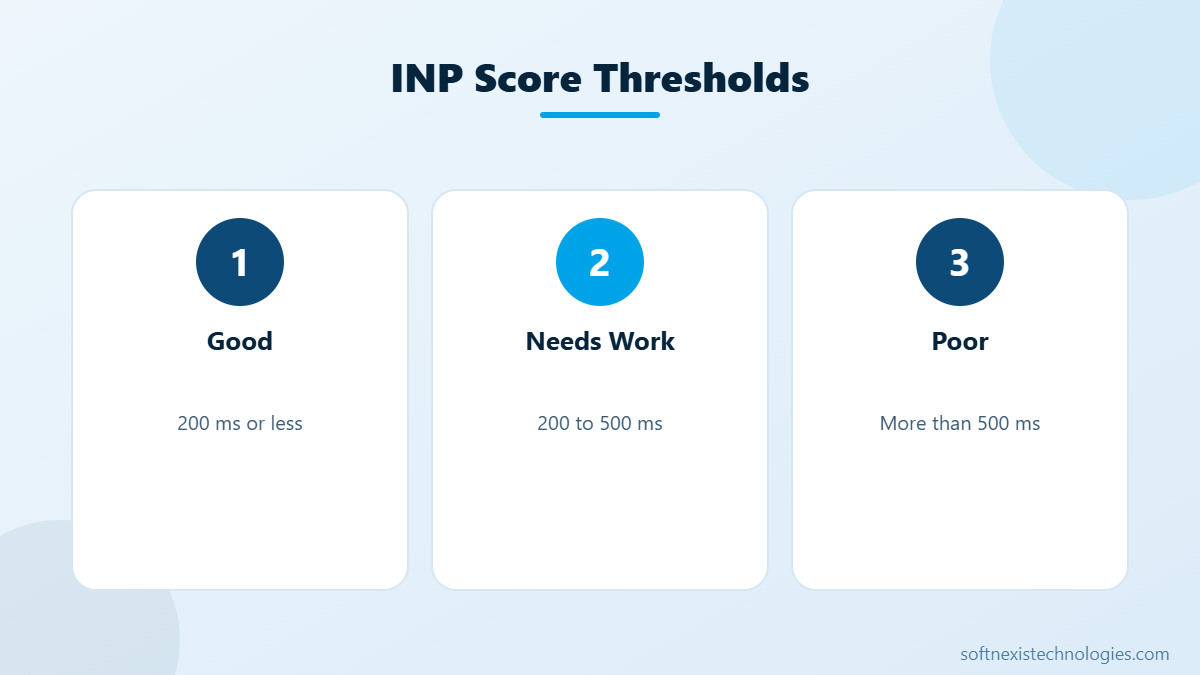
Interaction to next paint (INP) is the Core Web Vital that measures how quickly your website responds when someone clicks, taps or types. It replaced First Input Delay in 2024 and looks at every interaction during a visit, not only the first one. A good INP is 200 milliseconds or less. If menus open slowly, buttons feel stuck or forms lag while typing, your interaction to next paint score is probably poor. Here is what causes it and eight simple ways to fix it.
How interaction to next paint is measured
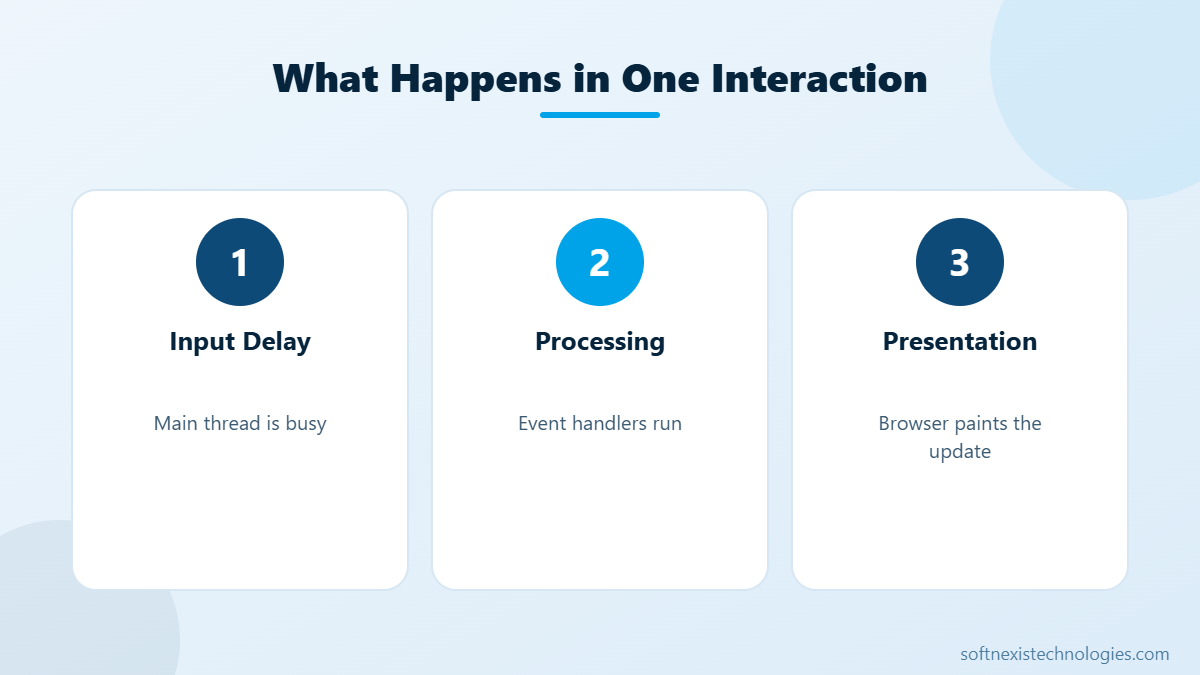
Each interaction has three phases: input delay while the browser finishes other work, processing time while your event handlers run, and presentation delay until the next frame is painted. INP reports one of the slowest interactions on the page, so a single heavy script can ruin the score even if most clicks are fast. Field data comes from real Chrome users and appears in the Core Web Vitals report in Search Console.
Common causes of poor INP
- Large JavaScript bundles that block the main thread.
- Third-party scripts such as chat widgets, heatmaps and ad tags.
- Page builders loading many widgets and animations at once.
- Expensive event handlers that update large parts of the page.
- Huge DOM size, which makes every style and layout update slower.
8 simple ways to improve interaction to next paint
- Remove unused JavaScript. Audit plugins and apps. Every script you remove frees the main thread.
- Delay third-party scripts. Load chat, analytics extras and social widgets after the first interaction or after a few seconds.
- Break up long tasks. Split heavy work into smaller chunks so the browser can respond between them.
- Keep event handlers light. Show visual feedback first, then run heavy logic.
- Reduce DOM size. Simplify layouts and avoid deeply nested page builder sections.
- Avoid layout thrashing. Read layout values first, then write styles, instead of mixing them in loops.
- Use CSS for animations. Transform and opacity animations run off the main thread.
- Test on mid-range phones. INP problems are worst on slower devices, so test there.
Interaction to next paint on WordPress
On WordPress, INP issues usually come from too many plugins and page builder widgets. Disable plugins you do not need, use a performance plugin to defer scripts, and avoid stacking several sliders or popups on one page. Our WordPress performance audit guide shows how to find the heaviest scripts.
How INP relates to other Core Web Vitals
INP measures responsiveness, Largest Contentful Paint measures loading and Cumulative Layout Shift measures visual stability. A fast site needs all three in the good range. Improving interaction to next paint often improves LCP too, because removing heavy scripts frees bandwidth and CPU for rendering.
Need help with INP?
Softnexis Technologies audits JavaScript, plugins and third-party tags, then fixes the slow interactions that hurt your users and rankings. Request a performance audit and get a clear fix list within 24 hours.
Key takeaways: interaction to next paint
- Interaction to next paint measures how fast your site responds to clicks, taps and typing.
- A good score is 200 milliseconds or less for most visits.
- Heavy JavaScript and third-party widgets are the most common causes of poor INP.
- Delaying non-essential scripts usually gives the biggest quick win.
Treat interaction to next paint as an ongoing habit, not a one-time fix. Every new plugin, app or tracking tag can slow responsiveness, so test key pages after each change and remove anything that does not earn its place on the page.
Your next step
Pick the two or three actions above that fit your situation, assign an owner and a deadline, and review the results after 30 days. Small, steady improvements add up quickly. If you would rather have experts handle it, the Softnexis Technologies team can audit your current setup, share a clear priority list and implement the changes for you. Talk to our team for a free consultation and a written plan within 24 hours.
Interaction to next paint: FAQs
What replaced First Input Delay?
Interaction to Next Paint replaced First Input Delay as a Core Web Vital in March 2024.
What is a good INP score?
An INP of 200 milliseconds or less at the 75th percentile of visits is considered good.
Can a chat widget hurt INP?
Yes. Many chat and marketing widgets load heavy JavaScript that blocks the main thread, so delay them until after the page is interactive.
Further reading
See our Core Web Vitals guide. Google documents INP on web.dev: Interaction to Next Paint.
Featured image by Freepik.


