
Shopify SEO is the process of optimising your Shopify store so products and collections rank on Google and bring in free, high-intent traffic. Shopify handles hosting, SSL and sitemaps for you, but rankings still depend on your keywords, content, speed and links. This guide gives you twelve proven Shopify SEO steps you can follow, whether you are launching a new store or fixing an existing one.
12 proven Shopify SEO steps
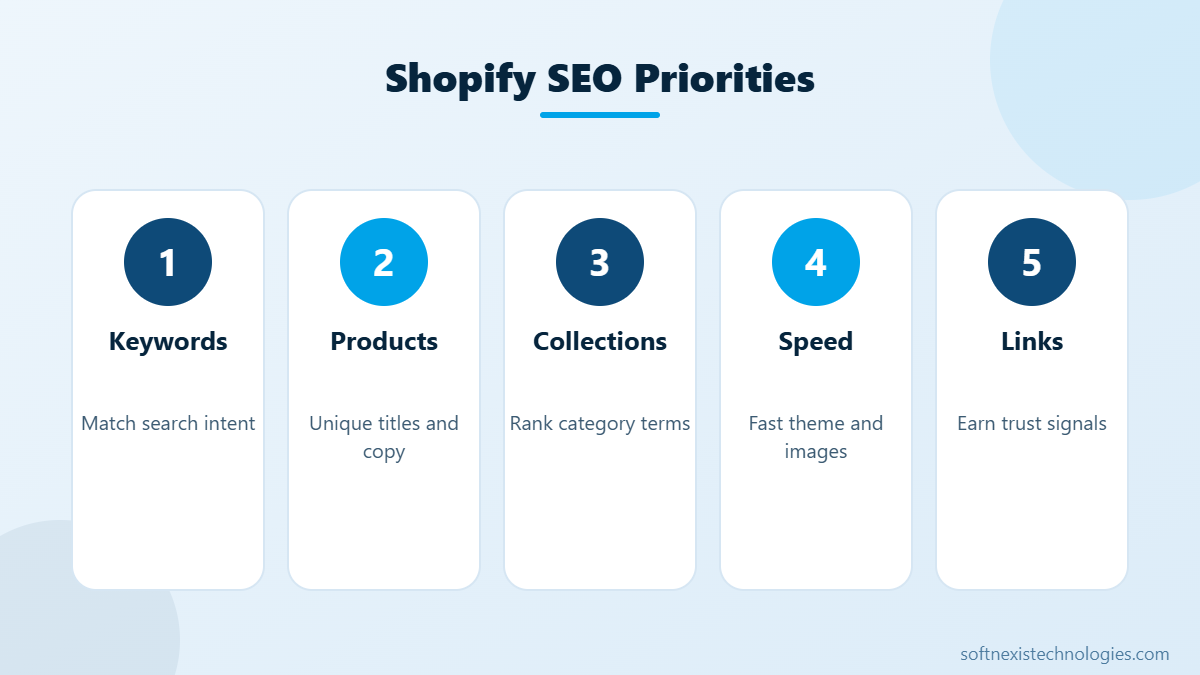
- Research keywords. Find what buyers search for each product and collection, including long-tail phrases like colour, size and use case.
- Plan a clean structure. Home, collections, products and blog. Keep important pages within three clicks of the home page.
- Optimise title tags and meta descriptions. Put the main keyword near the start of the title and write descriptions that encourage clicks.
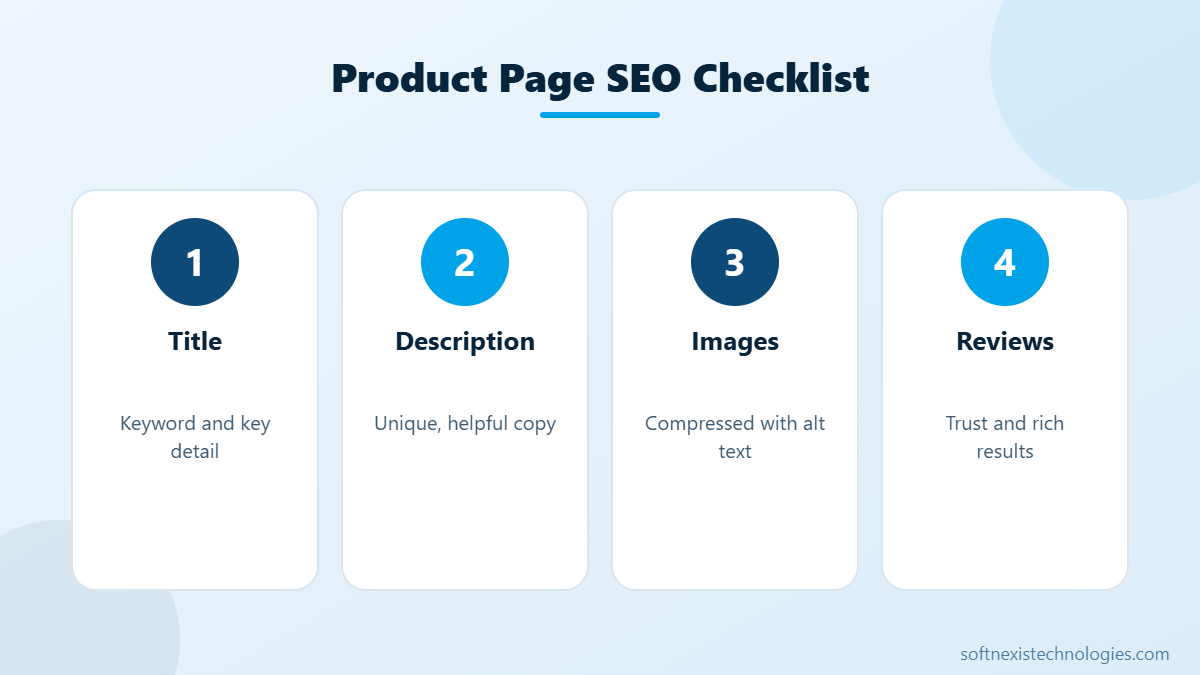
- Write unique product descriptions. Never copy manufacturer text. Explain benefits, materials, sizing and care. See product descriptions that sell.
- Optimise collection pages. Add a short intro paragraph and FAQ to each collection, because collections often rank for broad category keywords.
- Compress images and add alt text. Use WebP where possible and describe each image clearly.
- Choose a fast theme. Online Store 2.0 themes with minimal apps load fastest.
- Remove unused apps. Uninstalled apps can leave scripts behind, so clean theme code too.
- Add structured data. Product, review and breadcrumb schema can earn rich results in Google.
- Fix duplicate content. Link to canonical product URLs in collections and avoid duplicate tags pages.
- Publish helpful blog content. Buying guides and how-to articles attract searchers earlier in their journey.
- Earn quality links. Partner features, supplier pages, reviews and PR build authority.
Common Shopify SEO mistakes
- Thin product pages with one-line descriptions.
- Huge uncompressed images slowing the store.
- Too many apps injecting scripts on every page.
- Ignoring collection pages, which often have the highest search volume.
- Changing URLs without redirects, which loses rankings.
How long does Shopify SEO take?
New stores usually see first rankings for long-tail keywords within two to three months. Competitive category terms can take six months or more. Consistent content, fast pages and steady link building compound over time, so Shopify SEO is one of the best long-term investments for an online store.
Shopify SEO and conversion go together
Traffic only matters if visitors buy. Clear product pages, fast checkout and trust signals improve both rankings and sales. Read how to increase Shopify conversion rate for practical tips.
Get help with Shopify SEO
Softnexis Technologies designs fast Shopify stores and optimises them for search, from keyword research and product copy to speed and structured data. See our Shopify services or request a free store audit.
Key takeaways: Shopify SEO
- Shopify SEO starts with keyword research for products and collections.
- Unique product descriptions and collection intros make a big difference.
- A fast theme with fewer apps helps rankings and sales.
- Helpful blog content and quality links build long-term authority.
Shopify SEO compounds over time. Set aside a few hours each week for product copy, collection content and speed checks, and track rankings and organic revenue in Search Console and Shopify Analytics.
Your next step
Pick the two or three actions above that fit your situation, assign an owner and a deadline, and review the results after 30 days. Small, steady improvements add up quickly. If you would rather have experts handle it, the Softnexis Technologies team can audit your current setup, share a clear priority list and implement the changes for you. Talk to our team for a free consultation and a written plan within 24 hours.
Shopify SEO: FAQs
Is Shopify good for SEO?
Yes. Shopify provides clean URLs, SSL, sitemaps and fast hosting. Rankings then depend on your content, speed and links.
Do I need an SEO app for Shopify?
Not always. Many tasks can be done in Shopify settings and the theme. An app can help with structured data, redirects and bulk meta tags.
Should my Shopify store have a blog?
Yes. A blog helps you rank for informational searches and builds links and trust that support your product pages.
Further reading
Compare platforms in Shopify vs WooCommerce. Shopify’s own advice is in the Shopify SEO help center.
Featured image by Freepik.