

Driving traffic to an online store is expensive. If visitors arrive and leave without buying, every ad and social post costs more than it should. Improving your Shopify conversion rate is often the fastest way to grow revenue, because it makes all of your existing traffic more valuable.
Most stores convert a small percentage of visitors, and small changes to product pages, trust signals and checkout can lift that number noticeably. Here are 15 tactics we use when we design and optimise Shopify stores for clients, grouped into speed, product pages, trust, checkout and follow-up.
What affects your conversion rate?
Conversion is the result of many small decisions a shopper makes: does the page load quickly, do the photos answer my questions, can I trust this store, and is checkout easy? When any step creates doubt, people leave. The tactics below remove that doubt one step at a time.
Speed and mobile experience
1. Make your store load fast
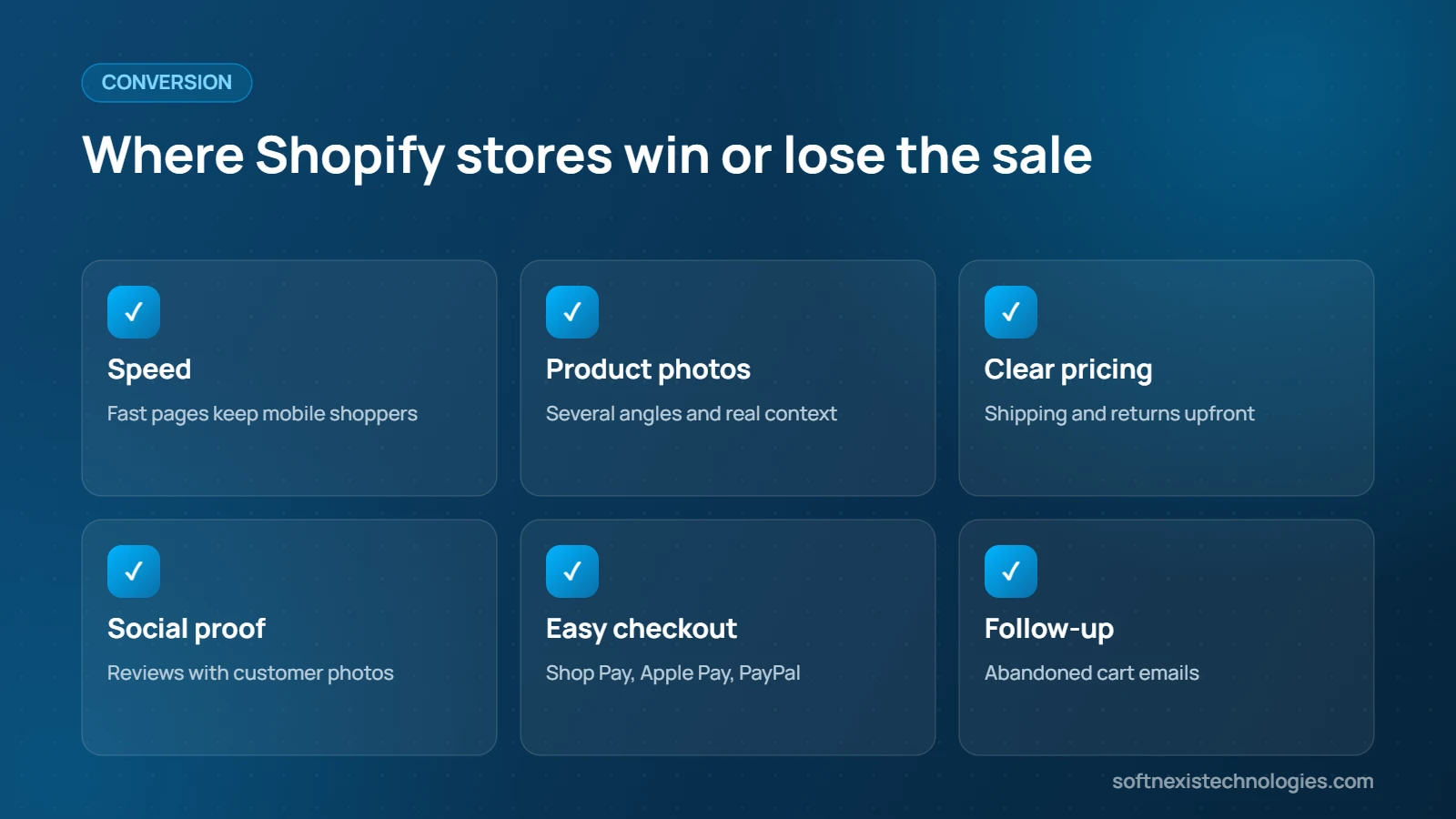
Remove unused apps, compress images, choose a lightweight theme and limit heavy sliders and pop-ups. Every extra script delays the first view of your products.
2. Design for mobile first
Most Shopify traffic comes from phones. Test every page on a small screen, keep the add-to-cart button visible and make menus easy to tap.
3. Simplify navigation and search
Organise collections logically, add filters for size, colour and price, and make sure search returns relevant products.
Product pages that sell
4. Use clear, professional product photos
Shoppers cannot touch your products, so images do the selling. Show several angles, close-ups, scale and the product in use. Our guide to product photography on a budget explains how to do this with a phone.
5. Write benefit-focused descriptions
Explain how the product solves a problem, then list key specifications in bullet points. See how to write product descriptions that sell.
6. Add size guides and details
Missing information creates hesitation. Include dimensions, materials, care instructions and delivery estimates.
Trust and social proof
7. Show reviews and ratings
Display star ratings on collection pages and detailed reviews, ideally with customer photos, on product pages.
8. Add trust badges and contact details
Show secure payment icons, guarantees and a visible way to contact you. New customers need reassurance that your store is real.
9. Be transparent about shipping and returns
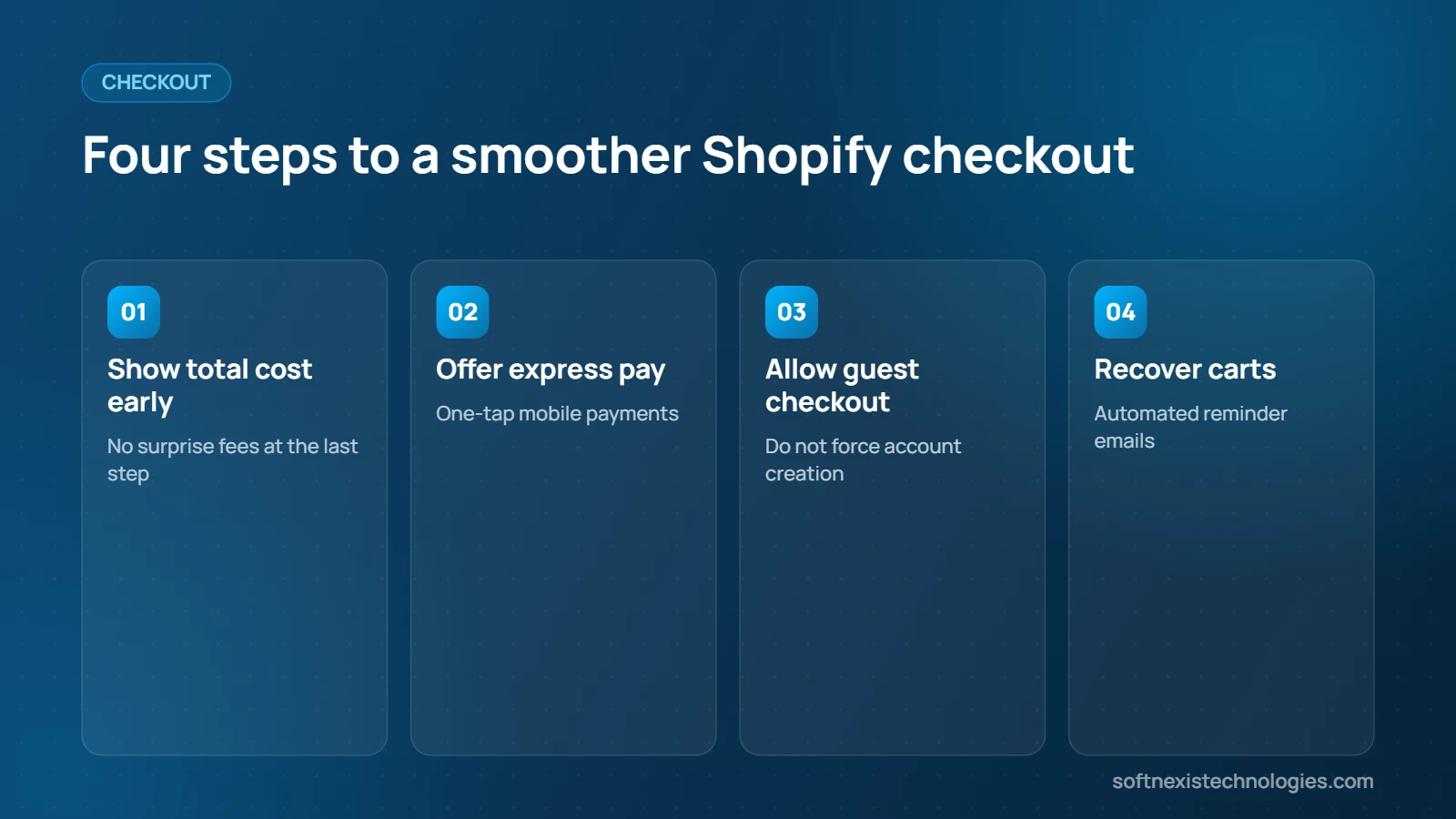
Unexpected costs are a top reason for abandoned carts, according to research from the Baymard Institute. State shipping prices, delivery times and your returns policy clearly.
Offers that lift order value
10. Offer a free shipping threshold
A message such as “Free shipping on orders over 50 dollars” encourages larger baskets.
11. Add product recommendations
Show related products, bundles and “frequently bought together” offers.
12. Create urgency honestly
Low stock notices, limited-time offers and delivery cut-off times motivate buyers, as long as they are true.
Checkout and follow-up
13. Enable express checkout
Shop Pay, Apple Pay, Google Pay and PayPal reduce steps and increase completed orders on mobile.
14. Recover abandoned carts
Automated emails that remind shoppers about items left in their cart can recover a meaningful share of lost sales.
15. Measure, test and improve
Use Shopify analytics and Google Analytics to find pages with high exits. Test one change at a time and keep what works.
Common conversion killers to fix today
- Pop-ups that appear instantly and block the page
- Forcing account creation before checkout
- Low-quality or too few images
- Hidden shipping costs
- Slow pages caused by too many apps
Fixing these five issues alone often produces a visible improvement within weeks. Track your Shopify conversion rate weekly in Shopify analytics so you can see which change made the difference, and keep notes of every test you run.
How a professional store design helps
Many store owners try to fix conversion with more apps, which often slows the store down. A professional redesign starts with your customers: what they need to see, in what order, and what stops them from buying. We plan the homepage, collection pages and product templates around that journey, then keep the theme lean so it loads quickly. The result is a store that looks trustworthy, answers questions before they are asked and makes checkout feel effortless.
A simple 30-day conversion plan
If you are not sure where to start, follow this plan for one month and measure the results at the end.
- Week 1: Run a speed test, remove unused apps and compress your largest images. Check the store on two or three different phones.
- Week 2: Improve your ten best-selling product pages with better photos, clearer descriptions, size guides and visible delivery times.
- Week 3: Add or improve reviews, trust badges, a clear returns policy and a free shipping threshold that suits your margins.
- Week 4: Turn on express checkout and abandoned cart emails, then compare sales, average order value and add-to-cart rate with the previous month.
Repeat the cycle with the next group of products. Over a few months these small, measured changes add up to a noticeably higher conversion rate and a store that customers trust and return to.
Frequently asked questions about Shopify conversions
What is a good Shopify conversion rate?
It varies by industry, price and traffic source. Many stores aim for around two to three percent. Track your own baseline and focus on steady improvement.
Do Shopify apps slow down my store?
Many do, because each app can add scripts. Audit your apps regularly and remove any you no longer use.
Which Shopify theme converts best?
A fast, clean theme with strong product templates usually beats a heavy theme full of effects. Design and content matter more than the theme name.
How quickly can I see results?
Simple fixes such as clearer shipping information and better photos can show results within weeks, depending on traffic.
Should I offer free shipping?
If margins allow, a free shipping threshold is one of the most effective ways to lift both conversion and order value.
Are product reviews really important?
Yes. Reviews reduce uncertainty for new customers, especially for higher-priced products.
Can you optimise my existing Shopify store?
Yes. We audit speed, product pages and checkout, then redesign the parts that hold sales back.
How do I start a Shopify project with Softnexis?
Share your store link and goals on our start your project page and we will reply within one business day.
Get a Shopify store designed to convert
Our Shopify store design service covers custom themes, product pages, payments and launch support. Start your project today.