


The WordPress REST API transforms WordPress from a CMS into a headless data platform that any application can read from and write to. This guide covers how to register custom endpoints, secure them, and use them to power mobile apps, SaaS dashboards, and external integrations.
What Is the WordPress REST API?
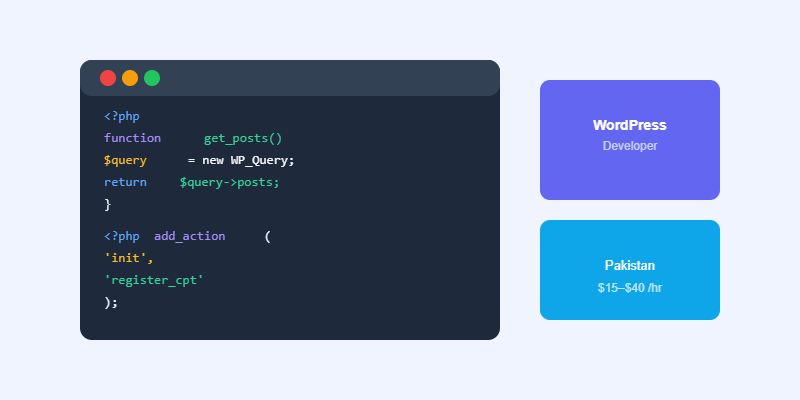
WordPress ships with a built-in REST API at /wp-json/wp/v2/. It exposes posts, pages, users, categories, and custom post types as JSON endpoints that any HTTP client can consume. You can also register your own custom endpoints using register_rest_route() to expose any data your application needs.
Registering a Custom WordPress REST API Endpoint
Use the rest_api_init action to register routes. Define a namespace (your plugin prefix), a path with optional parameters, the HTTP methods you accept, and a callback function that returns the response. Always specify a permission_callback to protect endpoints that modify data.
Authenticating WordPress REST API Requests
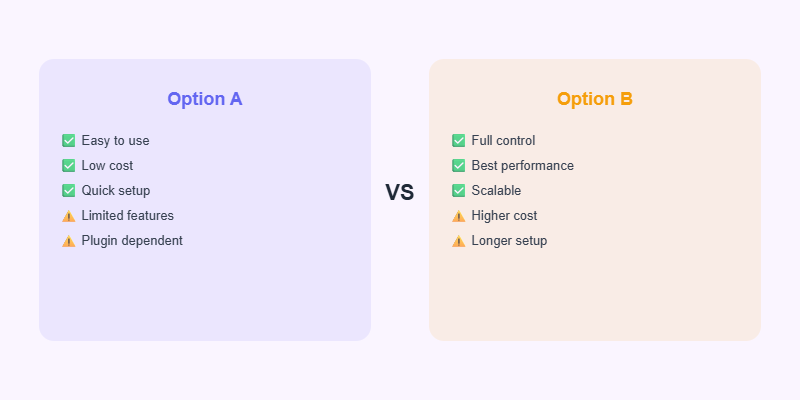
WordPress supports several authentication methods: cookie authentication (built-in, works for logged-in users in the browser), application passwords (WordPress 5.6+, ideal for server-to-server requests), JWT authentication via a plugin, and OAuth 2.0 for third-party app integrations. Choose based on who is making the request and how sensitive the data is.
Common Use Cases
- Powering a React or Next.js front end with WordPress as the headless CMS.
- Feeding a mobile app with content from WordPress.
- Integrating WordPress data with a CRM or ERP system.
- Building an admin dashboard that shows real-time site metrics.
Start Your Project with Softnexis
WordPress development and AI automation for businesses worldwide.
WordPress REST API: frequently asked questions
Is the WordPress REST API secure?
Yes, when every custom endpoint has a permission callback and validates input. Never expose private data through the WordPress REST API without authentication.
Can I disable the WordPress REST API?
You can restrict it, but the block editor and many plugins need it, so limit access instead of turning it off.
Further reading
See the official REST API Handbook.



