

A WordPress child theme is a theme that inherits all the design and functionality of a parent theme while allowing you to safely make customisations that survive when the parent theme is updated. Every WordPress site with customised code should use a child theme — without one, every theme update wipes out your changes.
How Does a WordPress Child Theme Work?
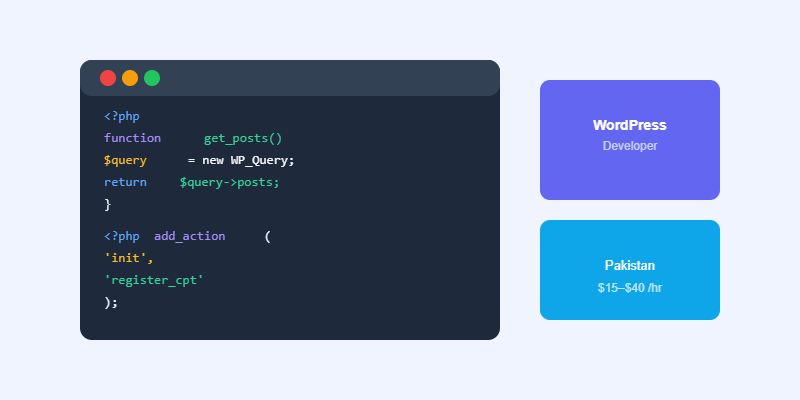
WordPress loads the child theme’s files first. For any file that exists in the child theme, WordPress uses the child theme version. For any file that does not exist in the child theme, WordPress falls back to the parent theme. Your customisations live in the child theme; the parent theme handles everything else. When the parent theme updates, only the parent theme files change — your child theme files stay exactly as you left them.
How to Create a WordPress Child Theme
Create a new folder in wp-content/themes/ named with your child theme’s name (e.g. hello-elementor-child). Create a style.css file with the required header: Template: hello-elementor (or your parent theme’s folder name), Theme Name, and Version. Create a functions.php file that enqueues both the parent and child theme stylesheets. Activate the child theme in Appearance → Themes.
What to Put in Your Child Theme
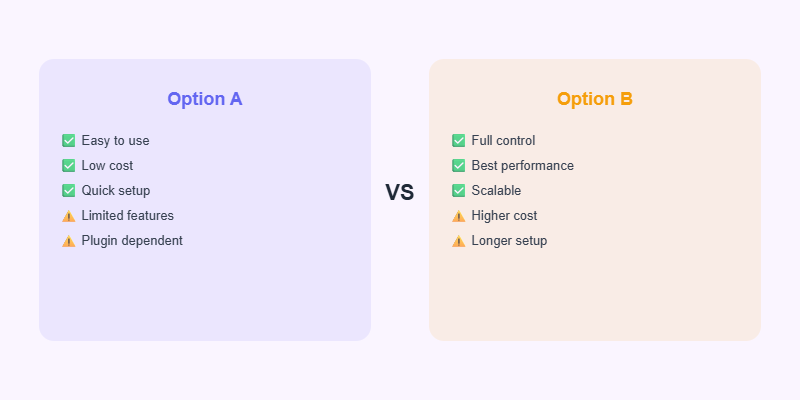
Custom CSS goes in the child theme’s style.css. Template overrides go in child theme files that mirror the parent theme’s structure. Custom functions, hooks, and filters go in functions.php. Never edit a parent theme file directly — any change you make will be lost on the next theme update.
Let’s Build Your Next Project
WordPress development, WooCommerce and AI automation — delivered by Softnexis Technologies.
WordPress child theme: frequently asked questions
Do I always need a WordPress child theme?
Only if you edit theme files or add custom CSS and PHP. If you only use the customiser or a page builder, a WordPress child theme is optional but still a safe habit.
Will a WordPress child theme slow my site?
No. A WordPress child theme loads one extra small stylesheet at most, which has no noticeable effect on speed.
Further reading
Read the step-by-step guide in the WordPress Theme Handbook.



