


WordPress plugin development is the right approach when you need functionality that no available plugin provides, or when an existing plugin does 80 percent of what you need but with unnecessary overhead. This guide walks through building a plugin from scratch.
WordPress Plugin Development: Core Concepts
Hooks: Actions and Filters
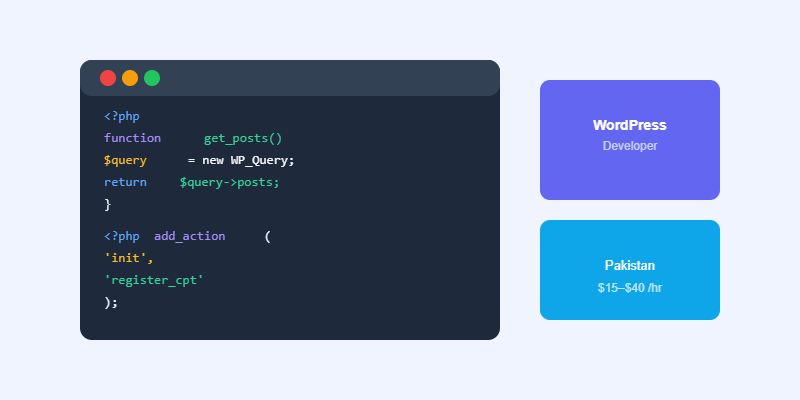
WordPress plugins interact with core using hooks. Actions run code at specific points in execution (like when a post is saved). Filters modify data as it passes through WordPress (like the content before it is displayed). Understanding add_action() and add_filter() is the foundation of all WordPress plugin development.
Custom Post Types and Taxonomies
Register custom post types with register_post_type() in the init hook to add new content types (portfolios, testimonials, properties) to WordPress. Register custom taxonomies with register_taxonomy() to create new categorisation systems for any post type.
Build Your First WordPress Plugin
Create a folder in wp-content/plugins/ with your plugin name. Create a main PHP file with the same name. Add the plugin header comment at the top (Plugin Name, Description, Version, Author). WordPress will detect it in the Plugins screen and let you activate it.
Add an activation hook to create any database tables or options your plugin needs. Add a deactivation hook to clean up. Always prefix every function, class, and option with your plugin’s unique identifier to avoid conflicts with other plugins or themes.
Work with Softnexis Technologies
Professional WordPress development and AI automation solutions for growing businesses.
WordPress plugin development: frequently asked questions
Do I need PHP for WordPress plugin development?
Yes. WordPress plugin development uses PHP for server logic, plus JavaScript for blocks and interactive features.
Is custom WordPress plugin development better than buying a plugin?
Build custom when you need unique features or better performance. Buy when a trusted plugin already solves the problem well.
Further reading
Read the official WordPress Plugin Handbook.



