

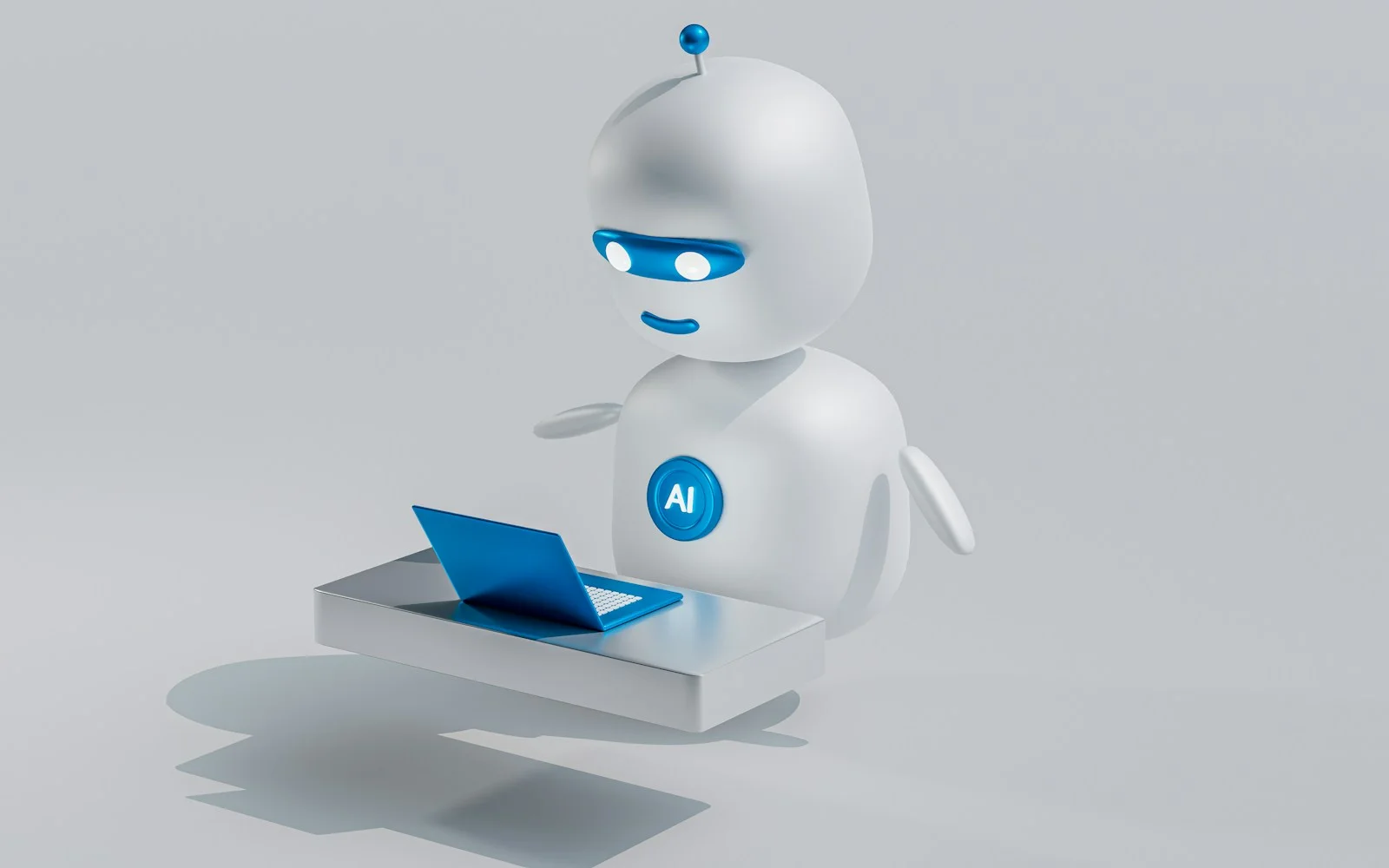
Your website should not stop working when your team goes home. AI automation for business websites lets you answer questions instantly, qualify leads, book appointments and route enquiries to the right person 24 hours a day. Done well, it saves hours of admin each week and turns more visitors into paying clients.
Key takeaways
- AI automation for business websites answers questions and captures leads around the clock.
- Start AI automation for business websites with one workflow, such as lead qualification or booking.
- Always keep a human handover in AI automation for business websites for complex requests.
Below are nine practical ways small and growing businesses are using AI on their websites today, plus how to roll them out without losing the human touch your customers value.
What does AI automation on a website actually mean?
AI automation combines language models, forms, workflows and integrations to handle repetitive tasks. Instead of a static contact form that sits in an inbox, an automated site can understand the request, answer common questions, collect the right details, create a CRM record and notify the right team member in seconds.
1. AI chat assistants that know your business
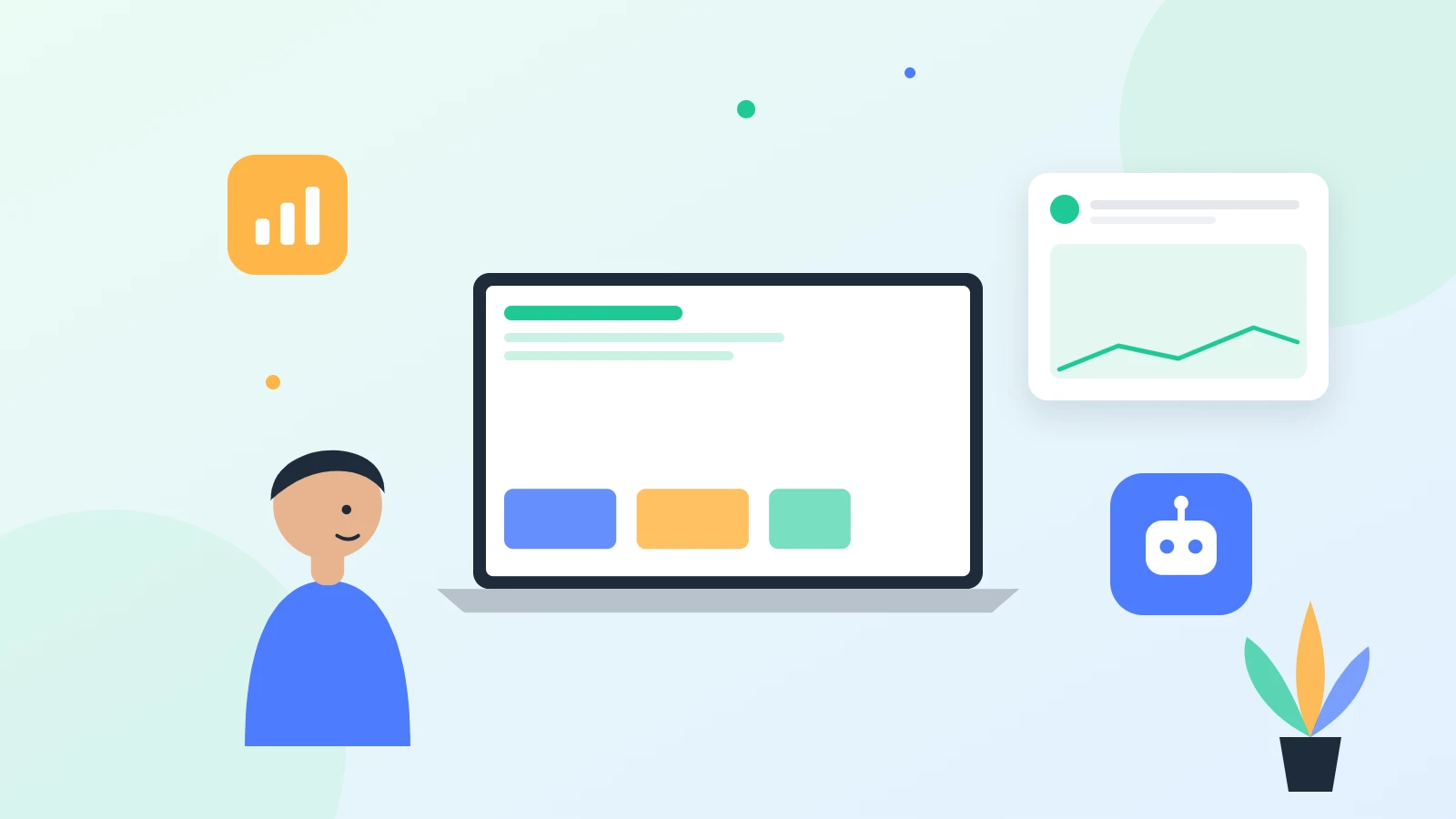
Modern chat assistants can be trained on your services, pricing, FAQs and policies. They answer questions in natural language, recommend the right service and hand over to a human when needed. Unlike older chatbots with rigid menus, they handle real conversations.
2. Instant lead qualification
AI can ask a few smart questions about budget, timeline and needs, score the lead and send hot prospects straight to sales. Your team spends time on the enquiries most likely to convert.
3. Automated appointment booking
Connect your calendar so visitors can book consultations, demos or calls directly. Automated reminders reduce no-shows, and rescheduling no longer needs an email thread.
4. Smart quote and proposal requests
Multi-step forms can collect project details, while automation drafts a summary for your team and sends the client a confirmation with next steps. Our start your project form works this way.
5. CRM and email workflows
New leads can be added to HubSpot, Zoho, Pipedrive or a Google Sheet automatically, tagged by service and followed up with tailored email sequences.
6. Customer support and order updates
For online stores, AI can answer delivery, returns and product questions, check order status and escalate complex issues to support staff.
7. Content assistance
AI can help draft blog outlines, product descriptions and meta descriptions. A human should always edit for accuracy, tone and expertise, but the first draft becomes much faster.
8. Personalised website experiences
Show different calls to action based on the page a visitor came from, their location or the service they viewed. Personalisation increases relevance and conversions.
9. Analytics and insights
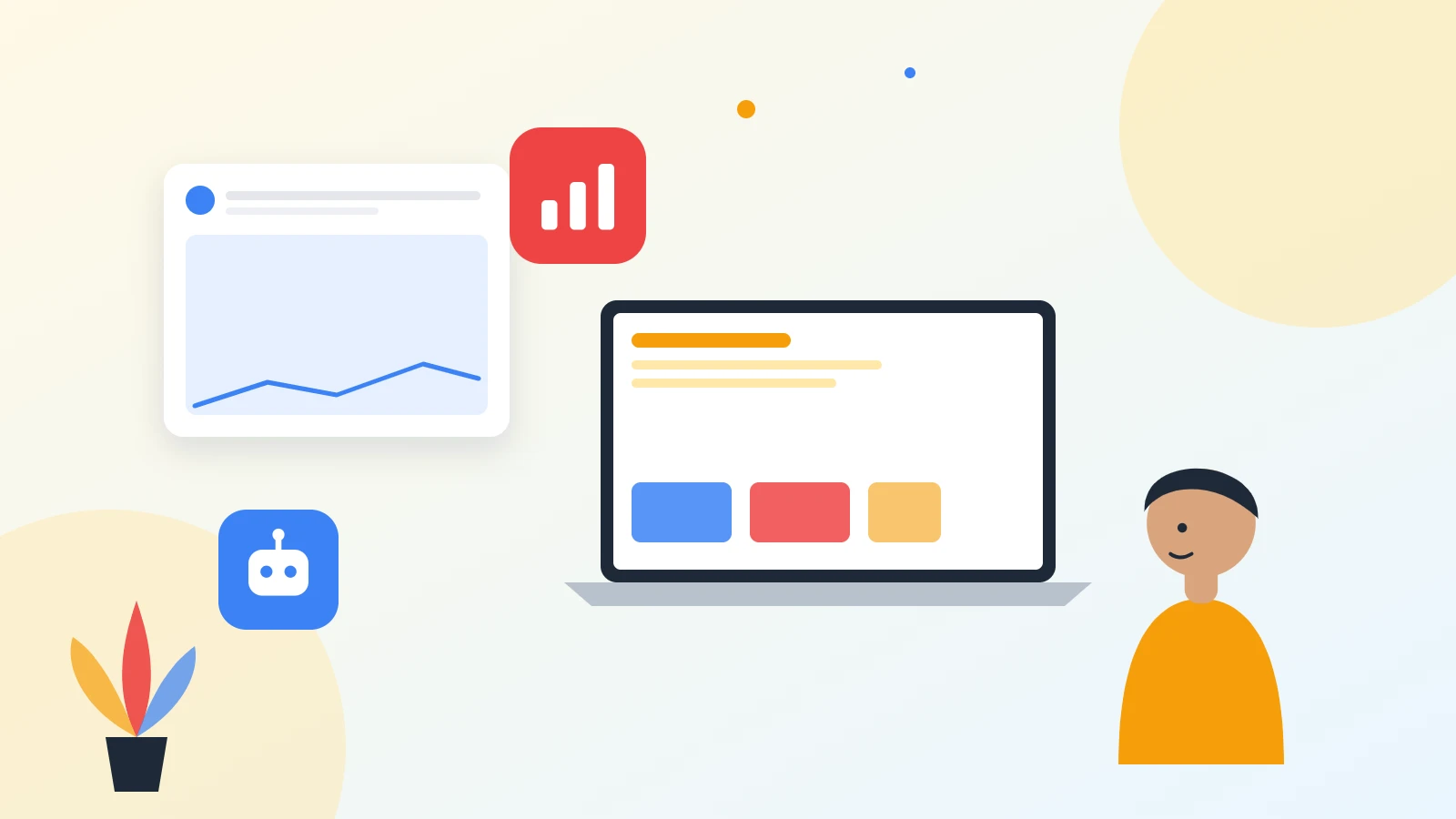
Automation can summarise chat conversations and form submissions to reveal common questions, objections and service demand, helping you improve pages and offers.
Benefits for small businesses
- Faster response times, even outside office hours
- More qualified leads with less manual screening
- Lower admin costs and fewer missed enquiries
- Consistent answers to common questions
- Better data about what customers want
Risks and how to avoid them
AI can give wrong answers if it is not trained on accurate information. Limit it to your approved content, add clear handover to humans, review conversations regularly and never let it make promises about pricing or contracts without confirmation. Respect privacy rules by explaining how data is used and storing it securely.
How to add AI automation to a WordPress website
- List the repetitive questions and tasks your team handles every week.
- Choose one high-impact use case, such as lead qualification or booking.
- Prepare accurate content: services, FAQs, pricing ranges and policies.
- Connect the chat or form to your CRM, calendar and email tools.
- Test with real scenarios, then launch and review results monthly.
Our WordPress development team builds these integrations into fast, SEO-friendly websites so automation supports your growth rather than slowing the site down.
AI automation examples by industry
Healthcare clinics
Clinics use website assistants to answer questions about services, insurance and opening hours, collect new patient details and offer appointment slots. Staff spend less time on the phone and patients get answers instantly, even at night.
Real estate agencies
Property websites can qualify buyers by budget and area, book viewings, send matching listings by email and alert agents when a seller requests a valuation. See our guide to real estate website design for more ideas.
E-commerce stores
Online shops automate order tracking, returns, product recommendations and abandoned cart reminders, which improves conversion and reduces support tickets.
Logistics and trucking
Freight companies can collect shipment details through a smart quote form, route urgent loads to dispatch and send customers automatic status updates.
Professional services
Consultants, agencies and law firms can pre-qualify enquiries, share relevant case studies and schedule discovery calls automatically, so every meeting starts with the right context.
Measuring the results
Track response time, number of qualified leads, booked appointments, conversion rate and hours saved each week. Compare the numbers with the month before launch, then refine the questions, answers and handover rules based on real conversations.
Further reading
For more detail on AI automation for business websites, see these trusted resources: Google: Guidance on AI-generated content and GDPR overview for handling visitor data.
Frequently asked questions
What is AI automation for websites?
It uses AI and workflow tools to answer questions, capture and qualify leads, book appointments and update your CRM automatically.
Will an AI chatbot replace my team?
No. It handles repetitive questions and routes serious enquiries to your team, who can focus on high-value conversations.
Can AI be added to an existing WordPress site?
Yes. Chat assistants, smart forms and CRM workflows can be added to most WordPress websites without a full rebuild.
Is AI automation expensive?
Costs depend on the tools and integrations. Many small businesses start with one workflow and expand once they see results.
How accurate are AI chat assistants?
Accuracy is high when they are trained on your own approved content and include a clear handover to humans for complex questions.
Does AI automation affect website speed?
Well-implemented tools load asynchronously and have little impact on speed or Core Web Vitals.
Is visitor data kept private?
Use reputable tools, explain data use in your privacy policy and store personal data securely in line with GDPR and local laws.
Which business types benefit most?
Service businesses, clinics, agencies, real estate firms, e-commerce stores and logistics companies with frequent enquiries benefit most.
Add AI automation to your website
Softnexis Technologies builds WordPress websites with AI chat, smart forms and CRM automation. Start your project to discuss the right workflow for your business.